How to use FTP filesystem on Ubuntu using CurlFtpFS

Some web hosting company do not offer shell access (SSH or Telnet) to your shared hosting account for security reasons, making it a bit harder for you to do regular file maintenance for your web account. Although the use of regular FTP client is adequate for most cases, some people still prefer to manipulate files directly using standard Unix tools (probably because of old habits).

Fortunately, there’s CurlFtpFS which allow you to mount remote ftp account as a standard filesystem on your Linux operating system.

Using CurlFtpFS
First of all you need to install CurlFtpFS, which in case of Ubuntu or Debian based operating system is to run ‘sudo apt-get install curlftpfs‘.

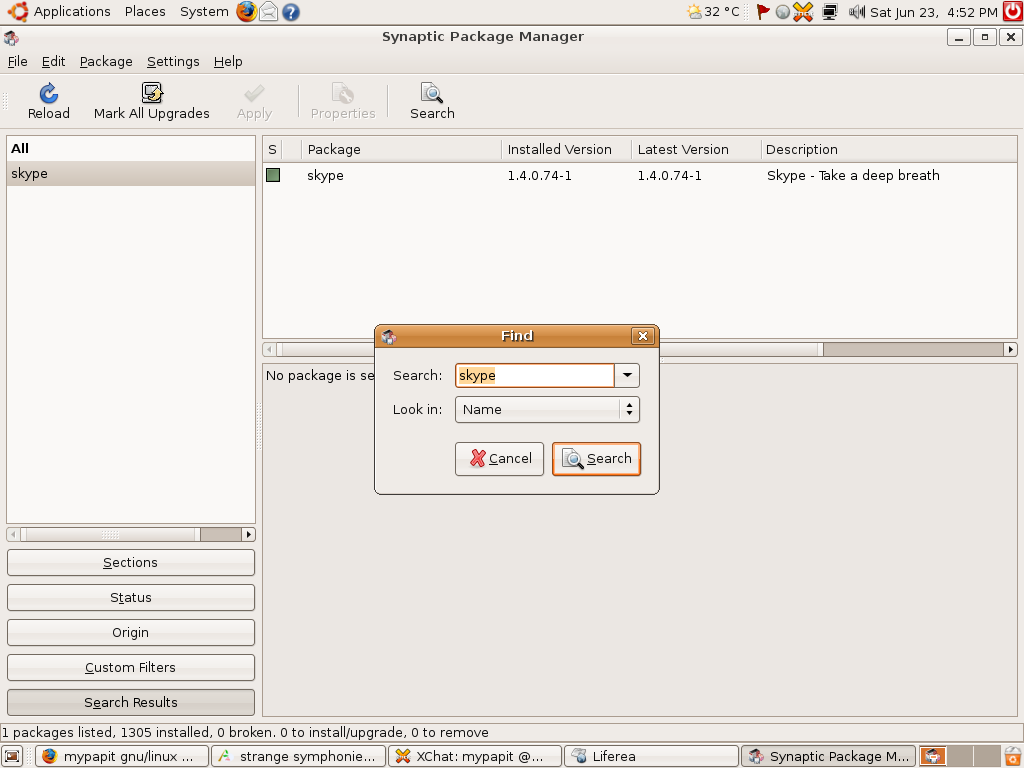
Alternatively, you can use Synaptic to install CurlFtpFS.

Assuming you’ve successfully installed curlftpfs, all you need to do in order to mount ftp locally is to to run these commands.

mkdir hostr
sudo curlftpfs -o allow_other ftp://user:pass@ftp.example.com host

user:pass is the username and password to log into ftp account.

After that, you can change your working directory to the mount-point and use the regular unix utilities to work on the files that normally accessible on the FTP protocol. After you’re done, you can unmount it by running the usual “sudo umount [mountpoint]” command

Using CurlFtpFS in fstab
You can add curlftpfs to fstab for automatic mounting by using this line :

curlftpfs#user:pass@ftp.example.com /mnt/host fuse rw,uid=500,user,noauto 0 0

Note: Please refer to CurlFtpFS website for further reference.

Thanks for reading this post, hopefully this will get you started to use curlftpfs FTP based filesystem in your Linux operating system.

[tags]filesystem,linux,debian,ubuntu,curl,fuse,mount,unix[/tags]

How to install Java Runtime and JDK in Ubuntu Linux

Installing Java Runtime and JDK has been made easy since Ubuntu Feisty Fawn since multiverse and universe package has been made available by default. This short how to, covers an easy way to install Sun Java environment in your Ubuntu operating system.

Installing Java Runtime

$ sudo apt-get install sun-java6-jre

Installing Java Software Development Kit (JDK)

$ sudo apt-get install sun-java6-jdk

Alternatively you can choose to install previous Sun Java version on your machine by replacing ‘sun-java6’ with ‘sun-java5’ for Java 1.5, or by installing ‘j2sdk1.4’ package for Java 1.4.

That’s all, you should be able to run Java applets using your favorite browser or run Java application by now.

[tags]java,jdk,linux,debian,ubuntu,apt-get[/tags]

How to Rip MP3 using Sound Juicer (Ubuntu Tips)

Ubuntu comes with a default CD ripping utility called Sound Juicer that lets you convert Audio CD tracks into digital music format. However Sound Juicer only able to rip Audio CDs into OGG format by default. Most people that familiar with MP3 format might find this as a drawback because MP3 ripping option is not available because of its patented status.

However in the spirit of ‘freedom’ in the free and open source, I’d like to show you how to enable MP3 ripping capability in Sound Juicer

Enable MP3 CD Ripping
This guide assume that you’re using the latest release of Ubuntu (Feisty Fawn).

  • Firstly you need to install and gstreamer0.10-plugins-ugly-multiverse
  • Then start Sound Juicer application, and select Edit->Preference
  • You should be able to see that MP3 option has been enabled in Sound Juicer
sj.jpg

The default bitrate setting for MP3 is 160Kbps, you can change MP3 encoding parameters by clicking “Edit Profiles” option in the application, and that’s it! You are ready to rip CDs to MP3 format!

[tags]mp3,ubuntu,feisty,feisty fawn,ripping,gstreamer,debian,encoder,cd ripper[/tags]

Inside My Linux DLink G-604T Broadband Modem/Router

Here’s the interior of my DLink G-604T Broadband Router/Modem, I put here just for viewing after the modem stopped working last month.

dlink1.jpg
dlink31.jpg
dlink2.jpg

FYI, I can still telnet to the modem and play with its settings, the only thing that is not working is the DSL broadband connection to Streamyx. DSL G-604T runs MontaVista-based Linux operating system with kernel 2.4.17 and Busybox utilities. This makes G-604T a great choice for firmware hacking, which makes me want to keep this around for awhile for experimentation purpose.

Now I’m using the stock TM Kasda modem, not that fancy though, but it gets me online. I make a new mental note about broadband modems = they tend to overheat on a poorly ventilated areas.

p/s: I’ll probably will get a new modem next month, since the rest of the family is nagging me for wireless connection :p

[tags]dlink,modem,wireless,wifi,linux,kernel,hacking,broadband[/tags]

I’m selling Webbots, Spiders, and Screen Scrapers Book

Hi there, I’d like to announce here that I’m offering to sell Webbots, Spiders, and Screen Scrapers : A Guide to Developing Internet Agents with Php/cURL for a heavily discounted price to Malaysian. The book is new and it is still in its original packaging from Powells.com, the reason for selling it is there’s a confusion during the ordering process that I received two books of the same title, so I’m selling it.

The book is interesting because it detailed on how to build efficient and stealthy web robots to manage your daily tasks, data mining and website monitoring. There are also 3 chapters in this book which deals with bots designed for crawling other protocol than web (ftp, nntp, emails)

This book is a must have if you’re interested to learn about how to build and deploy webrobots which is still considered a black art even today.

Details
webbots.jpg

My price : RM85 (USD27) – inclusive post cost
Pay to : Maybank,CIMB, Paypal
Delivery : by PosLaju
Condition: New (you can smell the ink + original package)

Please contact me if you’re interested.

How to activate Debian GNU Linux Etch GUI Installer

Some of my friends aren’t aware that the latest Debian relese (Etch – 4.0) includes an optional GUI installer. This option can be activated at the CDROM boot prompt by entering ‘installgui’ option.

debianinstalltn1.png

debian3tn.png

While the GUI installer is not particularly impressive when compared with modern GNU/Linux distributions, it is nice to know that the Debian team has taken such effort to code one. For the time being, the new Debian gui Installer only available on x86 platform as is still marked as an experimental feature.

[tags]debian,opensource,open source, linux, livecd, installer, ubuntu, etch[/tags]