
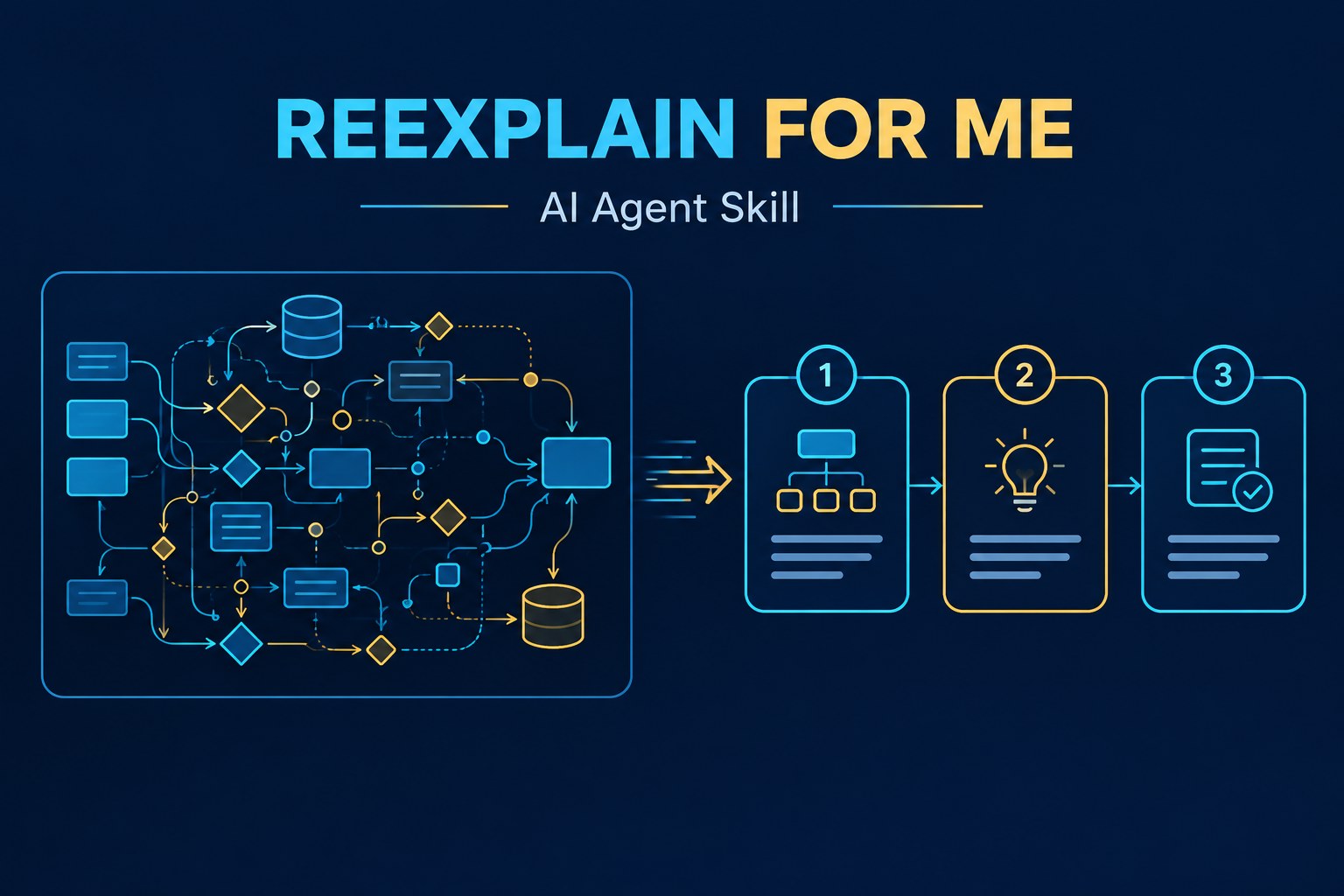
Sometimes an AI gives you a technically correct answer, but you still cannot follow the explanation. It may skip an important step, introduce too many new terms, or assume you already know a specialist concept.
I created Reexplain For Me, a reusable AI agent skill that addresses this problem. Instead of explaining everything from zero, it starts with what you already know and walks through the difficult part, one step at a time.
What does Reexplain For Me do?
The skill is intended for adults who already know the basics of a subject, but need help with a particular advanced concept. It is especially useful when reading technical documentation, understanding software behaviour, or comparing implementation choices.
Its instructions tell the AI agent to:
- Give a short, useful answer before the detailed explanation.
- Explain one new idea at a time and define unfamiliar technical terms.
- Use one consistent example across several steps, rather than switching examples halfway.
- Explain where an analogy stops being accurate.
- Correct factual mistakes directly, without unnecessary praise.
- Compare choices using their benefits, limitations, risks, and requirements.
Confidence labels help you judge the answer
Another feature is explicit confidence tagging. The skill asks the AI to distinguish what is supported by evidence from what is inferred or uncertain:
[Certain]: a claim supported by checked evidence or a demonstrated calculation.[Likely]: a strong inference based on the available evidence.[Guessing]: a claim with insufficient evidence, including an explanation of what information is missing.
These labels are not a guarantee that the model is correct. They are a way to make its assumptions and uncertainty easier to inspect.
How to use Reexplain For Me
With an AI agent that has the skill installed, invoke it by name and identify where the explanation became difficult:
Use $reexplain-for-me. I know what a database index does.
Walk me through why a query planner might scan the whole table anyway.
Use one example and carry it through each step.
If you still do not understand a particular step, you can ask the agent to return to that step and explain it with a smaller example. You can also include a passage, diagram description, or error message to give the agent more context.
Can I use it with other AI agents?
The repository provides the skill in SKILL.md format, with additional Codex metadata under agents/openai.yaml. It is written primarily as a Codex skill, but the instructions are plain text and can be reused in other AI agent environments.
For agents that support compatible skill files, install it using that agent’s supported skill location or import method. For agents that do not, you can adapt the contents of SKILL.md as custom instructions or a reusable prompt. The exact installation procedure and invocation command depend on the agent; not every platform recognizes $reexplain-for-me automatically.
Get the skill on GitHub
Reexplain For Me is available in my GitHub repository. Read the README for the usage example and the complete SKILL.md for its response rules.
Repository: github.com/mypapit/reexplain-for-me
The objective is simple: make AI explanations easier to follow without talking down to technically competent readers, hiding uncertainty, or agreeing with incorrect assumptions.
When a system struggles with complex logic, I find that providing specific examples often helps the output improve. This particular method works well for my data processing tasks.