
Some Linux tools bring back memories as soon as you open them. Midnight Commander is one of those tools. Its familiar blue panels, text menus, and function keys recall the days when managing files in a terminal was an ordinary part of using a computer.
Known simply as mc, GNU Midnight Commander is a terminal file manager with two directory panels. Open your source folder on one side and the destination on the other, then browse and copy files using the keyboard.
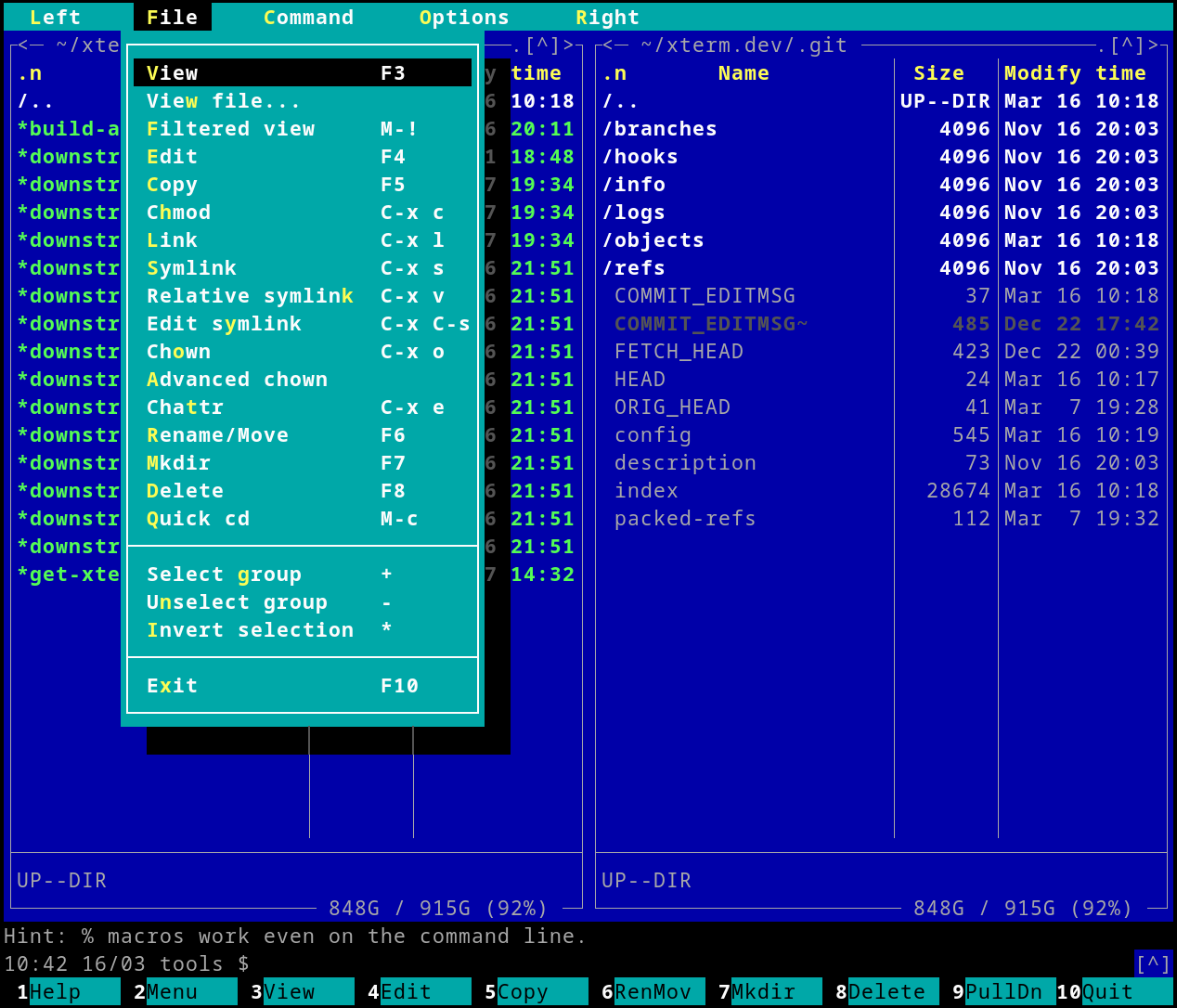
The appeal of those blue panels
For anyone who remembers DOS-era file managers, this layout feels familiar. The available actions appear along the bottom of the screen, and the keyboard does most of the work. There is something satisfying about seeing both folders at once and moving through them without repeatedly typing ls and cd.
Midnight Commander also remains useful when working on a Linux server through SSH. It runs inside the terminal, so you can browse directories, inspect files, and organise folders without opening a graphical desktop. It includes a file viewer and an editor, too.
How to install Midnight Commander on Ubuntu
Install it using Ubuntu’s package manager:
sudo apt update
sudo apt install mc
Then launch it:
mcStart with these shortcuts, documented in the official manual:
| Key | Action |
|---|---|
| Tab | Switch between panels |
| F1 | Open help |
| F3 | View a file |
| F4 | Edit a file |
| F5 | Copy files |
| F6 | Move or rename files |
| F7 | Create a directory |
| F8 | Delete files |
| F10 | Quit |
Modern desktops have changed how we manage files, but this old style still has its appeal. Two panels, clear actions, and a keyboard within reach are enough to make routine file management comfortable. If you have not used Midnight Commander for years, try typing mc again.