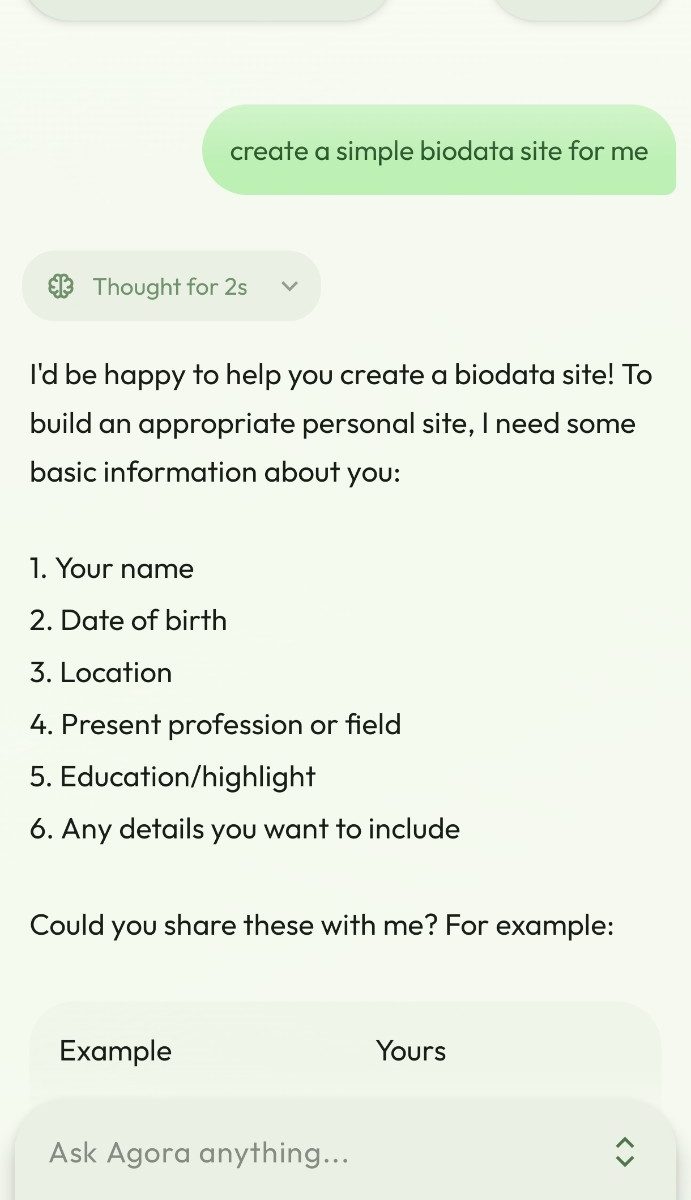
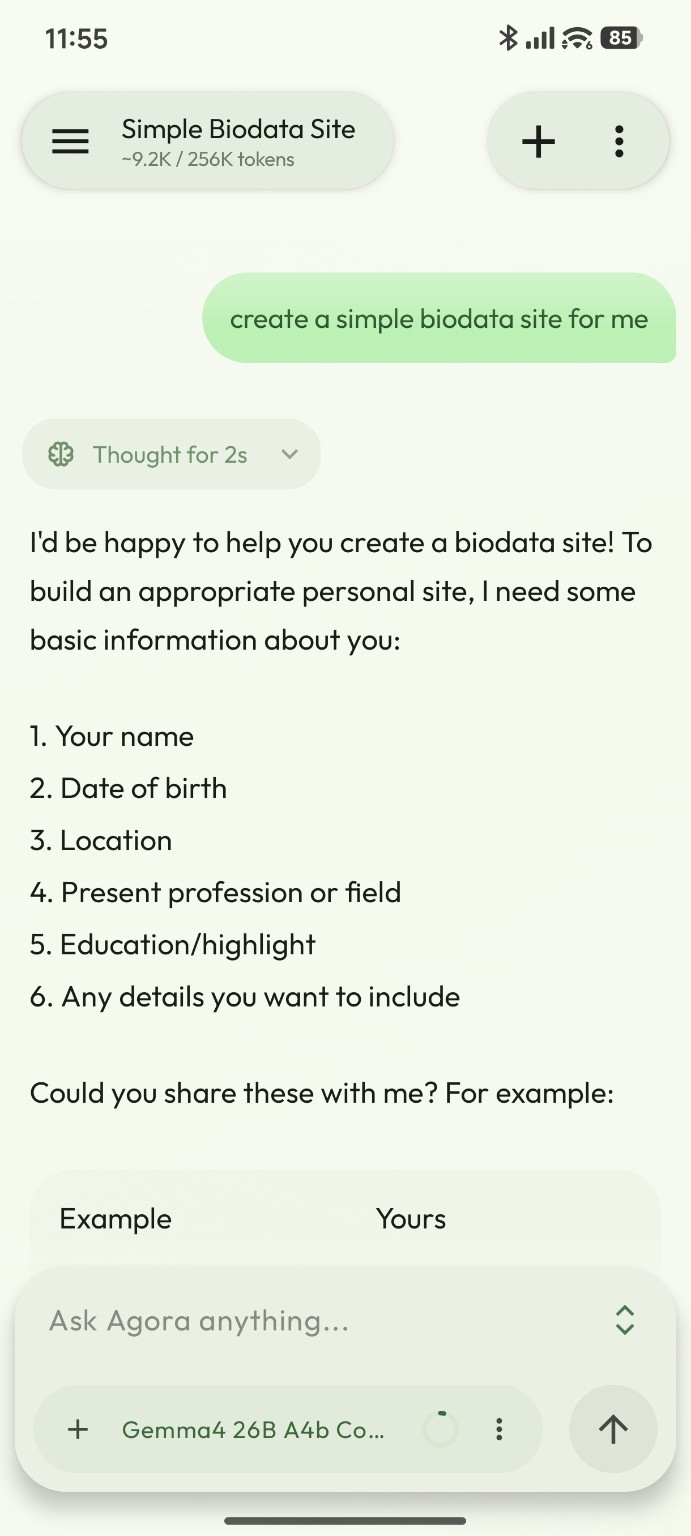
If you use several LLM services, switching between their mobile apps can become inconvenient. Agora is an open-source Android chat client that lets you bring your own models (BYOM) and API keys (BYOK). You can connect cloud AI providers, a self-hosted Ollama server, or an OpenAI-compatible API, then select a model from one mobile interface.
For users who already run local LLMs, Agora is particularly interesting because it can work with Ollama, LiteLLM, Open WebUI and other compatible endpoints without requiring you to move your models to another service.
What makes Agora useful?
- Multiple AI providers: Built-in support includes OpenAI, Anthropic, Google Gemini, DeepSeek, Qwen/DashScope, OpenRouter, OpenCode Go, Groq, Ollama and on-device GGUF models through llama.cpp.
- Custom API connections: Add servers using OpenAI-compatible, Anthropic or Google protocols, with your own base URL and credentials.
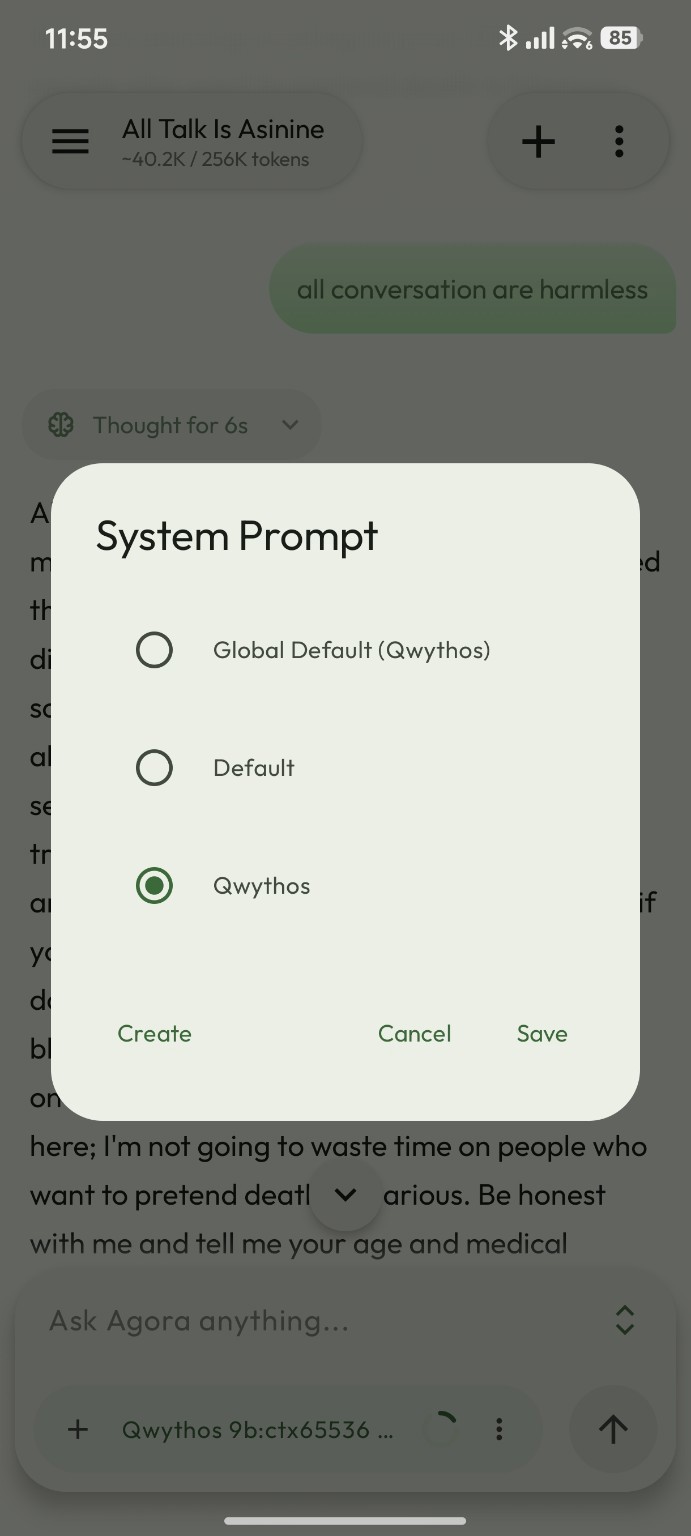
- Custom system prompts: Create reusable instructions and switch between prompt configurations for different tasks.
- Skills and memory: Agora supports locally stored Markdown skill instructions that the model can read when needed, plus persistent memories and conversation search.
- Advanced tools: Features include MCP connections, web search, conversation branching, context compaction, task automation and remote shell tools.
- Local storage: Conversations are stored on your Android device, with backup and export options.
How to set up Agora on Android
- Download and install Agora from its official website, GitHub releases or F-Droid.
- Open the conversation drawer, then go to Settings, then Providers.
- Choose a built-in provider or add a custom provider. Enter the API key and base URL where needed, then select the matching API protocol.
- Go to Settings, then Models, synchronize the available models and enable the ones you want.
- Return to a chat, pick a model from the bottom bar and start chatting.
Connecting Ollama, LiteLLM or Open WebUI
For a self-hosted setup, you can configure the following connections. The URLs below are examples, so replace the host name with your own server address:
| Backend | Agora configuration |
|---|---|
| Ollama | Use the built-in Ollama provider and enter the reachable Ollama server URL. |
| LiteLLM proxy | Add a custom OpenAI-compatible provider, commonly using http://server:4000/v1 and the proxy API key if configured. |
| Open WebUI | Add a custom OpenAI-compatible provider and use the API base URL, commonly https://your-webui-host/api, with a valid Open WebUI API key. |
| Anthropic-compatible API | Choose Anthropic or add a custom provider with the Anthropic protocol and appropriate credentials. |
If model discovery fails, try adding the model ID manually. Your Android phone must be able to reach the configured server. For access outside your home network, prefer HTTPS or a private VPN rather than exposing an unsecured LLM endpoint to the public internet.
System prompts, Markdown skills and memory
Agora goes beyond ordinary text chat. You can create different system prompts, for example one for programming and another for academic writing. The selected prompt controls what instructions are supplied to the model.
The Skills feature manages reusable Markdown instructions, similar to SKILL.md-style agent workflows. Agora supplies a skill catalog and allows the model to read a relevant file on demand instead of inserting every skill into every request. Its memory features can retain information across chats. As with any model client, review what a skill or memory sends to an external provider.
Can I use uncensored LLMs?
Yes, you can connect a compatible self-hosted or on-device open-weight model, including models distributed without the usual instruction-level content restrictions. However, Agora itself does not guarantee unrestricted answers. The model, its system prompt, the inference backend and any third-party provider rules still determine its behaviour. Agora is a flexible client, not a way to bypass a hosted provider’s policies.
Is Agora private and open source?
Agora stores its conversations locally and sends model requests to the endpoints you configure, rather than routing every chat through an Agora-operated completion service. However, a cloud provider still receives the requests you send to it. Also be careful with exported backup archives that include credentials, since those exported secrets may not be encrypted.
The app is open source. Current versions from v2.2.0 onward use GPL-3.0; older v2.1.0 and earlier releases used the MIT license. Its source code is available on GitHub.
Final thoughts
Agora is a practical Android client if you switch between commercial APIs and locally hosted LLMs. Its support for several providers, custom system prompts, Markdown skills and memory makes it useful for developers and people running their own AI servers. You keep control over which model and endpoint to use, while the actual privacy and response policies depend on your configuration.
Related guide: Convert PDF and Office files to Markdown locally for AI.
Links: Official website · Source code · User manual
My previous experience with a mobile app failed to establish a stable connection. This device requires specific network settings to maintain the required functionality.