Install Opera 9, Realplayer 10 on Ubuntu Dapper

Greetings fellow Ubuntu users, I’ve brought some good news to you for those who prefer to use Opera over Firefox. Now you can get your favorite browser running in your Ubuntu Dapper without much hassle.

Canonical ( independently from Ubuntu community ) has announced the ubuntu dapper commercial repository which houses Opera web browser, among other softwares. Interested? Here’s how to setup canonical repository in Ubuntu :

  1. From Desktop, go to System->Administration, select Synaptic Package Manager
  2. Select Setting->Repositories from Synaptic, a dialog appears
  3. Click Add then Custom, another dialog appears with a textbox that reads APT line:
  4. put “deb http://archive.canonical.com/ubuntu dapper-commercial main"
  5. Click Add Channel, then Close
  6. Click Reload at the top left corner of the Synaptic application.
  7. Now you can install Opera to Ubuntu from synaptic
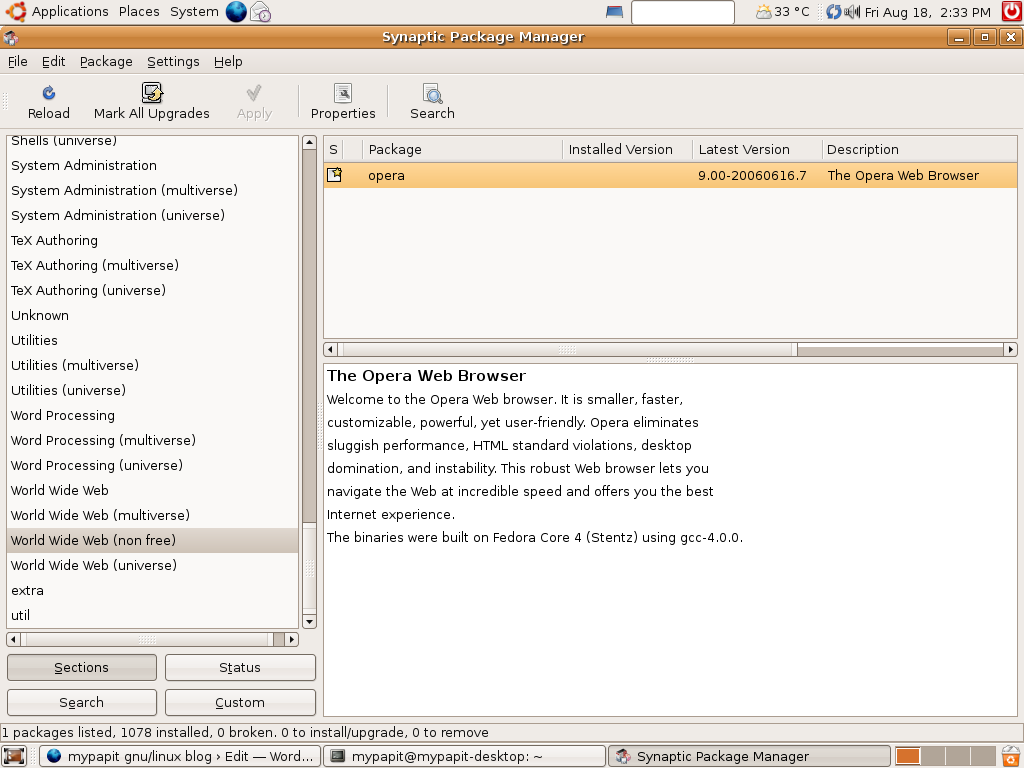
Note : you can also install Opera from command line by entering the following line from the terminal.

sudo apt-get install opera

Did I mention that Real Player 10 is also included in the repository?

Have fun !

[tags]opera,ubuntu,realplayer, real player, debian, linux, repository, canonical,repositories[/tags]

Get Powered by Ubuntu stickers for free!


Are you running Ubuntu in your machines? Want to publicise it? Then good news everyone, because now you can get free “Powered by Ubuntu” stickers to put on your machine.

All you need to do is send a self addressed stamped envelope to:

System76, Inc. (Free Sticker)
875 S. Colorado Blvd. #765
Denver, Colorado 80246

Currently the free stickers are for US resident only, however a spokeperson for System76 states that they will add instructions to get free stickers for international users too.

Create Gantt Chart with Planner : MS Project Alternative

This post is dedicated to those who asked me before about project planning software. For those who are familiar with Windows operating system might used to Microsoft Project or Primavera, I believe that the same sort of people with miss the software when they moved to GNU/Linux.

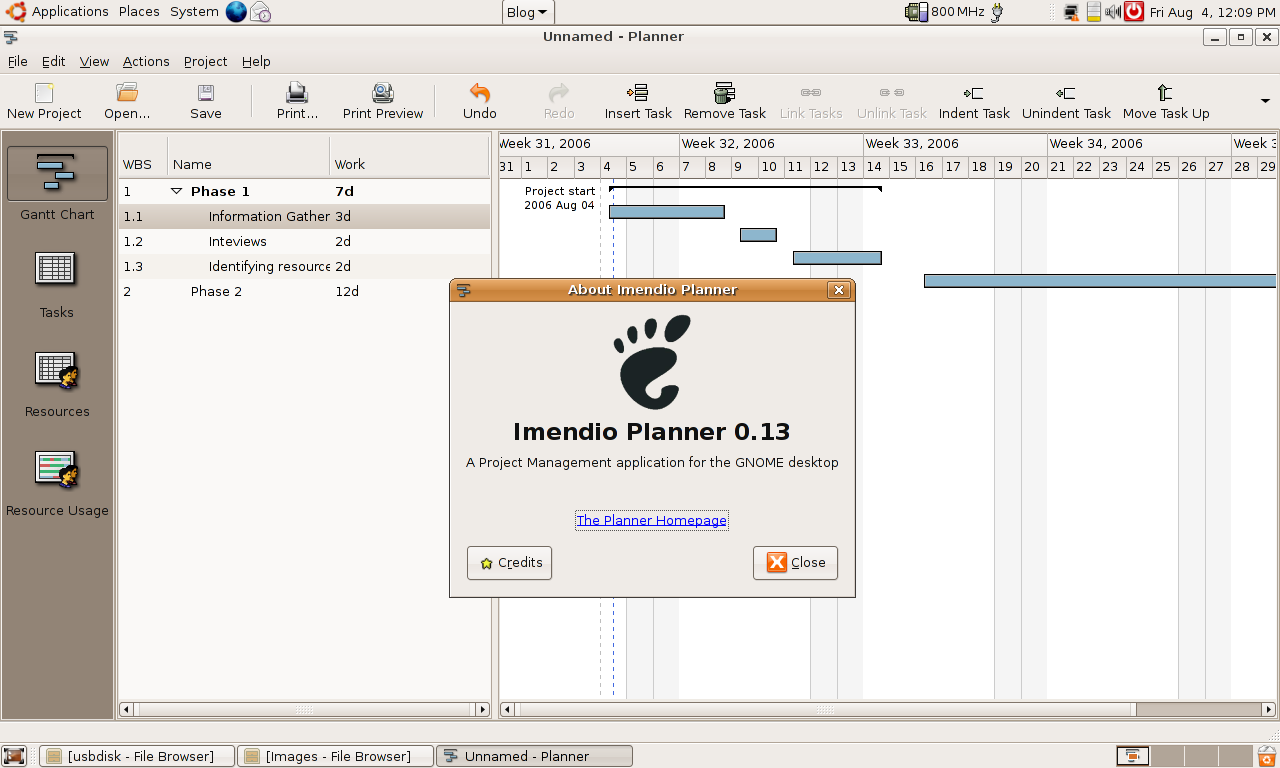
But don’t be afraid, there’s Planner ! Planner lets you visualise your project planning using interfaces that are similiar to Microsoft Project. Like other project management software, Planner lets you assign resources and creates critical path schedules.

So now you’ve no excuse using Linux for project management anymore!

linux,planner,microsoft,microsoft project,gnu,fsf,planner

Debian Project’s machine has been compromised!

Debian Project machine gluck.debian.org has been compromised yesterday and the machine has been taken offline, meaning that the following services will be unavailable temporarily :
cvs, ddtp, lintian, people, popcon, planet, ports, release

source : Debian mailing list

My thoughts
Debian should audit their software more often. Although it’s clearly hard to maintain a distro that supports many platforms/processor as Debian, but at least they should do regular check on the security of their own machine to prevent this thing from happening again.

Btw, when the last time you heard Debian made a major release?

debian,security

Howto create a simple Debian/Ubuntu Repository

So now you know how to create deb package. This time I’m going to point you to some howto that shows you how to create a Debian repository.

Why do you need to create repository? Because it’s convenience to your users, assuming that you’re a developer. Repository helps to automate software installation too in a centralised manner.

Here’s a couple of howto that teaches you to create Debian repositories :