Create Gantt Chart with Planner : MS Project Alternative

This post is dedicated to those who asked me before about project planning software. For those who are familiar with Windows operating system might used to Microsoft Project or Primavera, I believe that the same sort of people with miss the software when they moved to GNU/Linux.

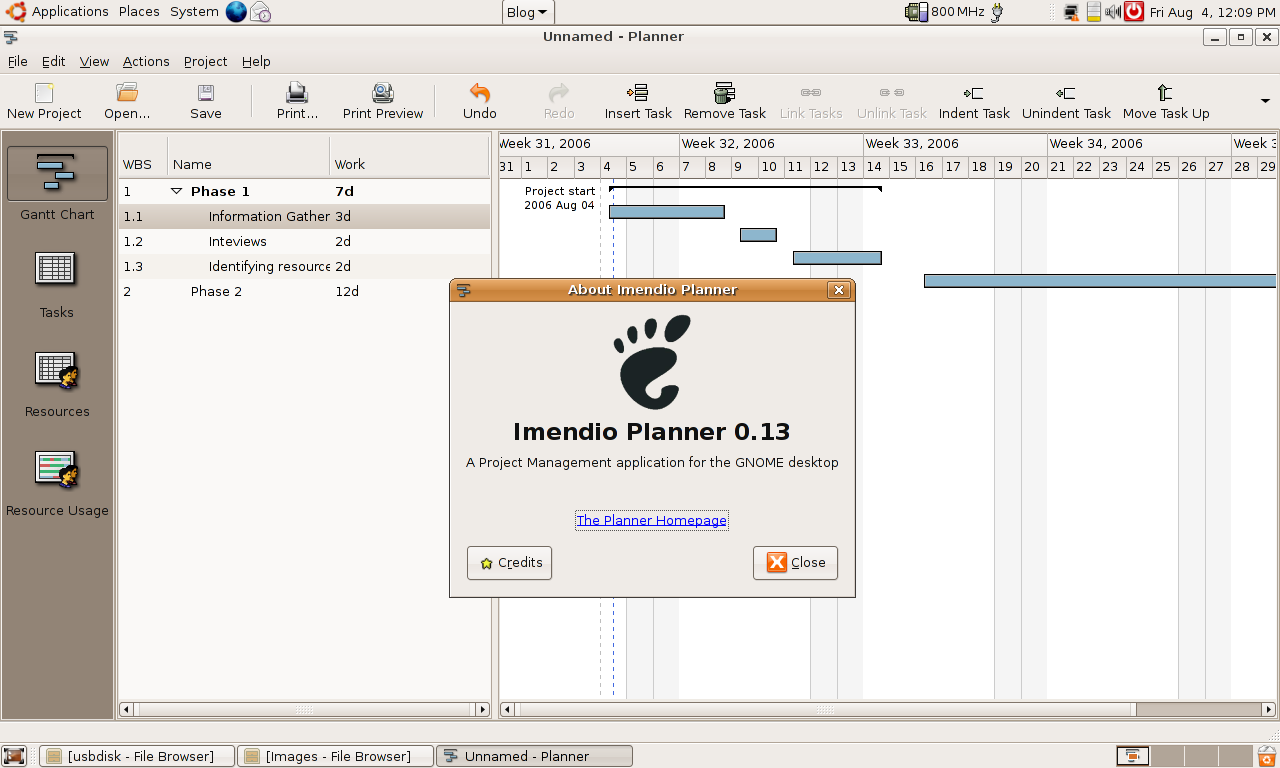
But don’t be afraid, there’s Planner ! Planner lets you visualise your project planning using interfaces that are similiar to Microsoft Project. Like other project management software, Planner lets you assign resources and creates critical path schedules.

So now you’ve no excuse using Linux for project management anymore!

linux,planner,microsoft,microsoft project,gnu,fsf,planner

How to get USB Drive for less than RM20 (USD 5)

o you own a mobile phone that uses RS-MMC, DV RS-MMC or mini-SD card?

Have you recently upgraded your phone’s memory card? What happened to the old memory card that came with the phone? Do you keep it in some drawer, give it to a friend? or just manage to lose it somehow?

Well today I would like to share with you something that I’ve done with an excess 64MB DV RS MMC card that I own.


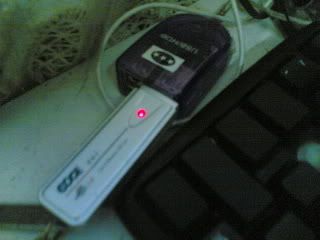
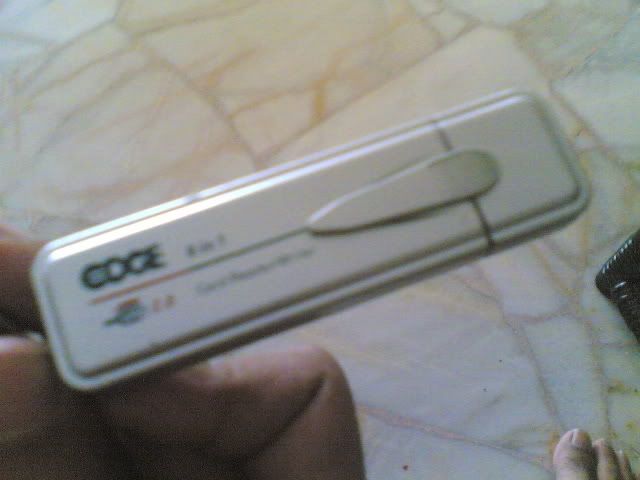
All you need is to get portable memory card reader, I use the one produced by Edge (http://www.edge.net.my), you can get it from your local computer store or Lelong for RM12-18. The memory card supports RS MMC/DV RS MMC/SD/Mini SD card, and its surely flexible, the memory card didn’t fell off the slot even when I carried it everywhere.


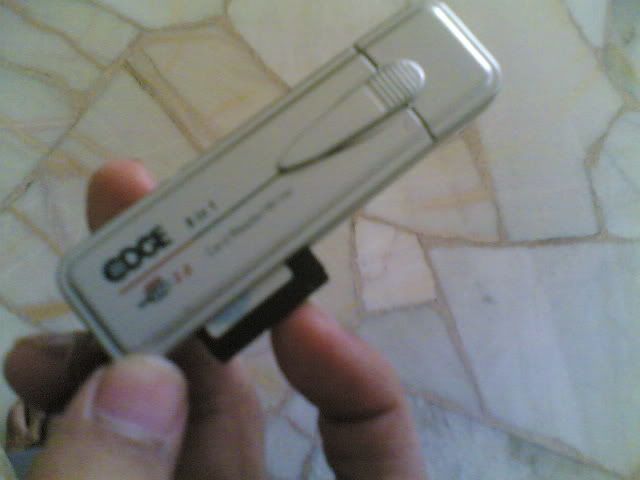
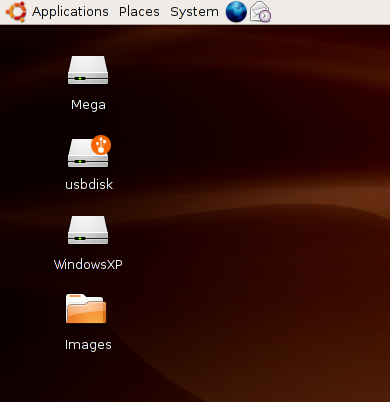
Already bought one? Then insert the DV RS MMC (without adapter) to the card reader and voila! You’ve a USB drive for a cost less than RM20 (that’s USD 5 for comparison). Heh, It’s even supported on my Ubuntu Linux.

Portable Card Reader

So keep this in mind the next time you’re upgrading your mobile phone memory card.

memory card, mmc, flash memory, usb drive, ubuntu, linux, debian, card reader, rs-mmc,thumbdrive

Debian Project’s machine has been compromised!

Debian Project machine gluck.debian.org has been compromised yesterday and the machine has been taken offline, meaning that the following services will be unavailable temporarily :
cvs, ddtp, lintian, people, popcon, planet, ports, release

source : Debian mailing list

My thoughts
Debian should audit their software more often. Although it’s clearly hard to maintain a distro that supports many platforms/processor as Debian, but at least they should do regular check on the security of their own machine to prevent this thing from happening again.

Btw, when the last time you heard Debian made a major release?

debian,security

Howto create a simple Debian/Ubuntu Repository

So now you know how to create deb package. This time I’m going to point you to some howto that shows you how to create a Debian repository.

Why do you need to create repository? Because it’s convenience to your users, assuming that you’re a developer. Repository helps to automate software installation too in a centralised manner.

Here’s a couple of howto that teaches you to create Debian repositories :

Google Earth on Ubuntu Dapper Video

For those who are interested in installing Google Earth on their Linux PC (especially Ubuntu Dapper Drake), you can refer to this video.

It might interest you that Google Earth is easy to install despite having to use console to install it.


Google Earth on Ubuntu

Google Earth can be downloaded at the Google earth homepage

The video can be also downloaded as Ogg Theora files. Windows user can use VLC Player to play the file.

google,google earth, ubuntu, linux, debian