Things that I do just after 1st time boot into a newly installed Ubuntu (with Unity)
- Add console app to the sidebar
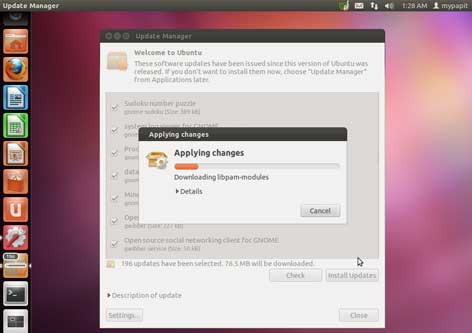
- Update applications
One thing for sure, I always need a quick access to console (read: bash)

Free and Open Source blogger with an attitude
Things that I do just after 1st time boot into a newly installed Ubuntu (with Unity)
One thing for sure, I always need a quick access to console (read: bash)
After long and careful consideration, I decided to enable CloudFlare for my blog.
CloudFlare is a content delivery network which aims to enhance website security and performance. CloudFlare CDN offers protection againts many forms of malicious activity including: spammers, email harvesters, SQL Injection, XSS, denial-of-service attack and suspicious web requests. Therefore saving valueable bandwidth from the web hosting machine.
My Personal Experience with CloudFlare
After a while using CloudFlare, I’ve notice that:
So far, so good, I love using CloudFlare…
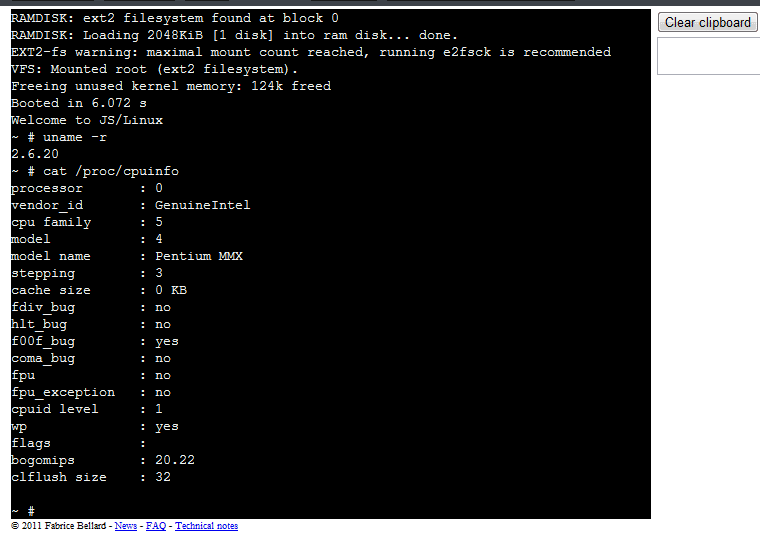
I’ve found a cool Javascript PC Emulator that runs Linux (kernel 2.6.20) right on the web browser! Check it out…
Ubuntu Friendly is an initiative by Ubuntu community to ensure that desktops, laptops, netbooks are compatible with Ubuntu, hence “Ubuntu-friendly”. Ubuntu-Friendly depends on community participation to verify whether the hardware fully or partially supports Ubuntu, and rate its usability based on the core components tested.

When will it be available?
Ubuntu-Friendly will be available and integrated right into Ubuntu 11.10. Early adopters and testers can have access to it by Ubuntu 11.10 Oneric Beta 2 due to be released in mid-September.
The tool used for hardware testing is “Checkbox” which is accessible from the Live CD, under System Testing menu.
p/s: Visit Ubuntu Friendly page on Ubuntu Wiki, for more information.
Kudos to the Ubuntu community for coming up with this project, it’ll make life more easier in finding computers that fully support Ubuntu hardware!
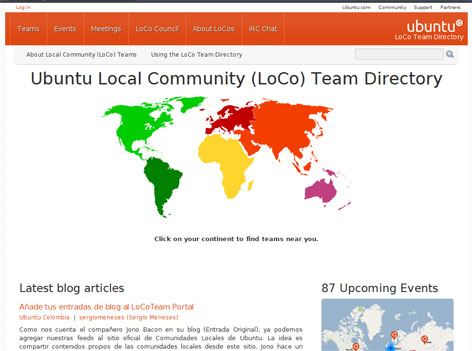
The Ubuntu Local Community (LoCo) Team Directory portal has added Ubuntu Loco news feed aggregator support. The aim of feed agregator is to make it easier for Loco to discuss and publicize their activities which may include:
Read Ubuntu Wiki (Portal Feeds Page) to find out how to put your loco team feeds on the directory!
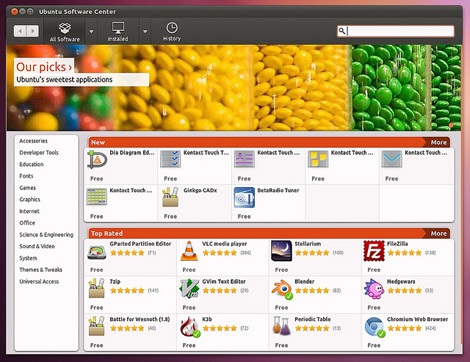
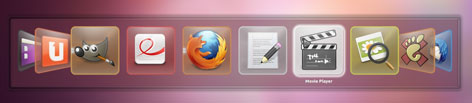
Visit Jono Bacon website for a screenshot tour of the upcoming Ubuntu 11.10 (Oneiric Ocelot) due release in October 2011