Google Earth on Ubuntu Dapper Video
Posted by mypapit on 26 Jun 2006 in GNU/Linux, Other Downloads, Ubuntu/Debian
|
|
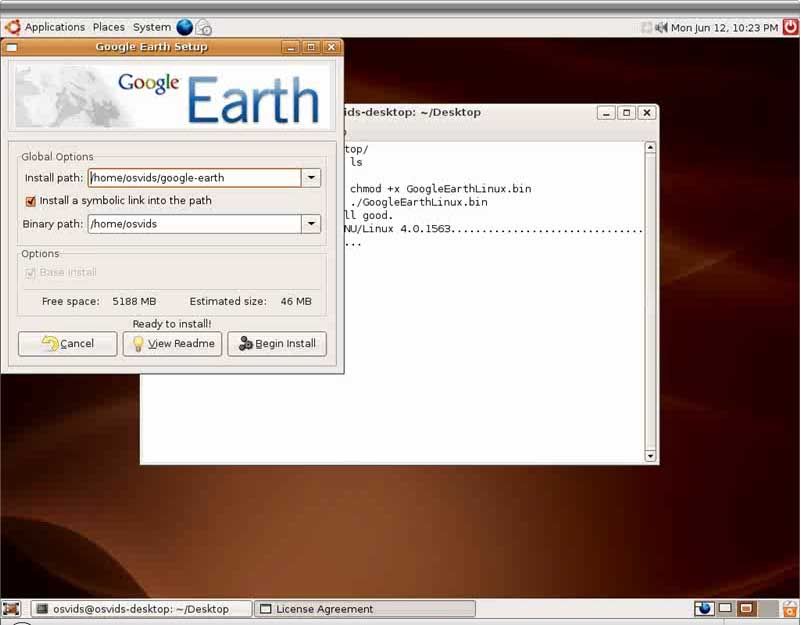
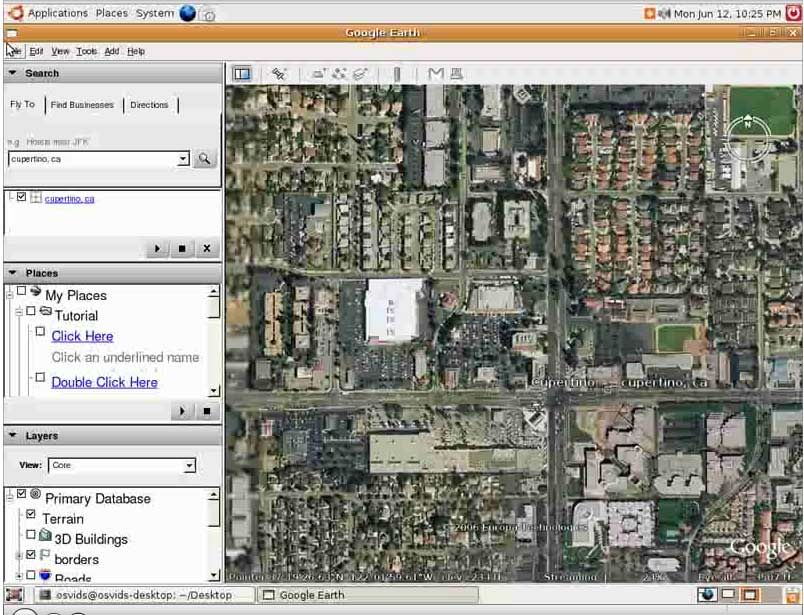
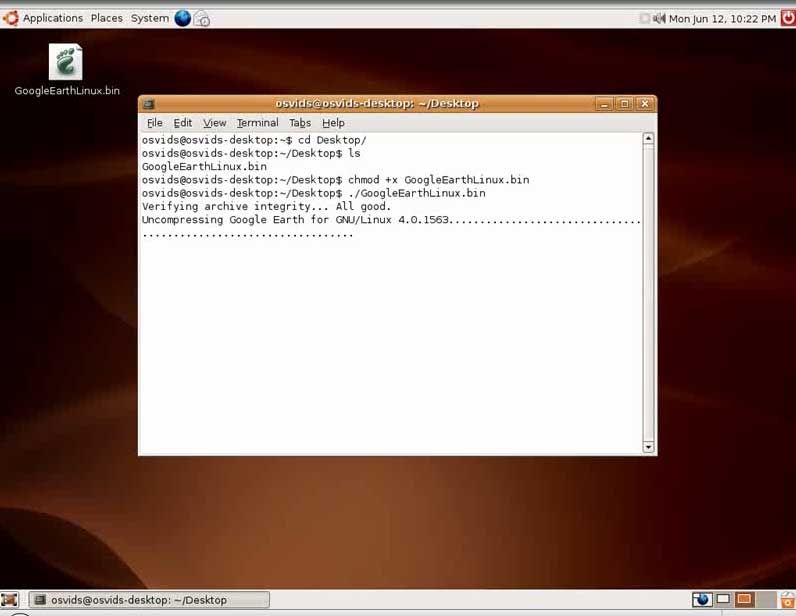
For those who are interested in installing Google Earth on their Linux PC (especially Ubuntu Dapper Drake), you can refer to this video.
It might interest you that Google Earth is easy to install despite having to use console to install it.
Google Earth can be downloaded at the Google earth homepage
The video can be also downloaded as Ogg Theora files. Windows user can use VLC Player to play the file.
Keep updated with the latest posts, be a part of over 1,000 subscribers! :
Subscribe to your email
You might also want to read...
- Unofficial apt-get Repositories for Ubuntu Dapper 6.06
- Dapper Drake has been released!
- Beautify Ubuntu Dapper with custom icon pack!
- Ubuntu Dapper Drake Release Delayed to June
- Google Adwords and Adsense allows nude pics ads?
- Youtube: Google+ Music Video
- Track Amateur Radio Satellites with Gpredict in Ubuntu Linux


March 24th, 2007 at 4:01 am
[...] [...]
September 21st, 2007 at 10:25 pm
[...] Re: Install Google Earth This seems to be a problem with display drivers. I found two fixes – this one, which made it work, but very slowly. The ultimate solution was to install the proprietary graphics drivers, in my case nVidia drivers. Works great now. __________________ [...]