Ubuntu Feisty Fawn Repository on DVD

This is a continuity from my previous post Get Ubuntu Repositories on DVD.

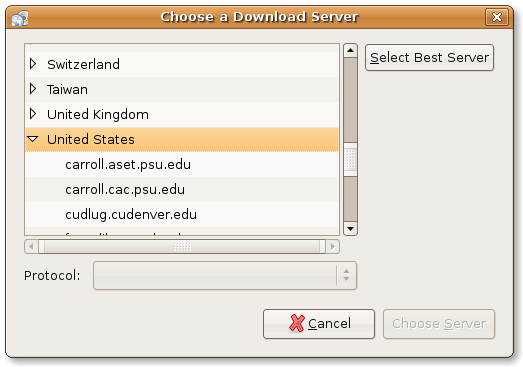
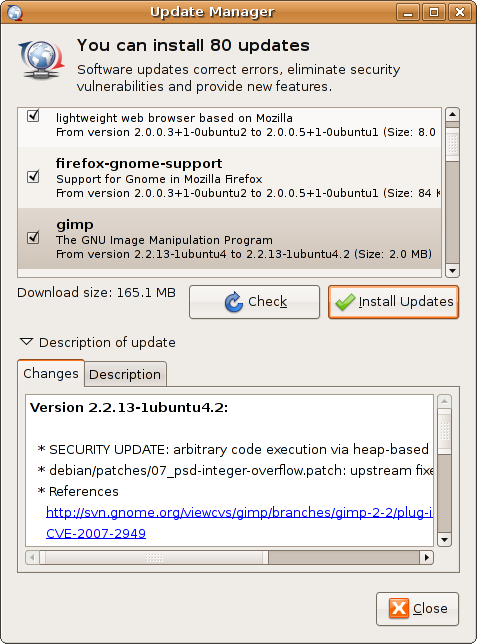
Now you can get Ubuntu Feisty Fawn Repository DVD images from ftp://tuma.ui.edu/pub/ubuntu-repository/7.04/.

While some might argue that putting the whole Ubuntu repository on DVD is unnecessary, having it is nice especially when you need to install software packages in places where a high-speed internet connection (broadband) is not available.

Please refer here for a guide to add the DVD on Feisty Fawn repository list. You can also read the guide in Indonesian language from http://wiki.ubuntu-id.org/DistribusiDvdReposUbuntu

Alternatively, you can create a customized Repository CD/DVD that suit your needs using AptOnCD utility to be used on a computer which does not have a high speed internet connection.

-Hope that would help

[tags]ubuntu,feisty fawn,feisty,debian[/tags]

New Features in Mypapit GNU Linux

It’s July again! Seems everywhere people are talking about iPhone and Transformers the Movie. I would have things to say about the current events too, but I better save it for my personal blog which I’ve yet to create.

Since Mypapit GNU/Linux blog has been around for more than two years, I would like to introduce some new changes to increase the quality of the blog, which are :

  1. Popular Articles of the Month – I’ll list 3 to 5 most popular articles of the month starting June 2007
  2. Mobile Phone, PDA, GPS updates will be posted on Mobile Programming Pit
  3. Personal Updates will be posted on my personal blog – to be announced later (it will be on a .my domain)

Any suggestion ?
You may forward you suggestion or article request directly to me using my contact form

I hope you would enjoy these improvements as I enjoy introducing them, cheers
[tags]announcement, mypapit[/tags]

Ubuntu : How to Syncronise Computer Time with NTP

Network Time Protocol (NTP) is a protocol responsible for keeping your computer time in sync (Standard Time) with the rest of the world. Keeping up with standard time with the rest of the world proves to be useful when you’re interacting with the rest of computers across the world.

Here’s how to manually update your computer time to syncronise with NTP, from the terminal run ‘ntpdate’ command


sudo ntpdate europe.pool.ntp.org north-america.pool.ntp.org

If you live in South-East Asia like me, you can synchronize your computer time with the Malaysian/SIngapore NTP server


sudo ntpdate 3.asia.pool.ntp.org 1.asia.pool.ntp.org

Note that the synchronizing process is usually done automatically by the operating system when the computer is connected to the internet. This command is useful if you wish to synchronize your computer manually when you’re connected to internet.

[tags]ntpd,ntp,ubuntu,debian[/tags]

How to connect to Streamyx with DLink 2640-T wireless router

I found in my website log, apparently somebody trying to find out how to connect to Streamyx broadband using the latest DLink 2640T. Since I own one, I decided to share my settings to enable you to connect to Streamyx.

  1. First point your favorite browser to http://192.168.1.1/, enter your username and password (default: admin | admin)
  2. Web configuration user interface will be displayed, click WAN
  3. Change the VPI value from ‘8’ to ‘0’
  4. Enter your Streamyx username and password below
  5. Finally go to Tools->System. Click “Save and Reboot” there to save your changes.

Screenshot
Dlink 2640-T Streamyx

Your Dlink wireless router should be able to connect to Streamyx broadband services now.

[tags]streamyx,dlink,broadband,linux[/tags]

How to install Skype on Ubuntu

Skype is perhaps the most popular client to make calls from your computer to any phone lines in the world. With SkypeIn subscription, you can even get an international phone number for everybody to call you, a completely neat way for your friend in overseas to call you with cheap rates. Although Skype is a proprietary software which uses a non-open protocol, some people would find it useful as it enables them to make international call with cheaper rate via SkypeOut.

Installing Skype on Ubuntu (or Debian)
This how to will show you how to install a Skype client in Ubuntu & Debian base operating system.

  1. First of all you need to start up Synaptic Package manager. Go to System->Synaptic Administration->Synaptic Package Manager,
  2. From Synaptic, go to Settings->Repositories. Click on Third Party Software Tab. Click Add, and put on this line :
    deb http://download.skype.com/linux/repos/debian/ stable non-free

    Click Add Sources.

  3. Click Close, and Click ‘Reload’ at the top of Synaptic. Now you can search for Skype, and install it from Synaptic.

skype3tn.png

skype1tn.png
skype2tn.png

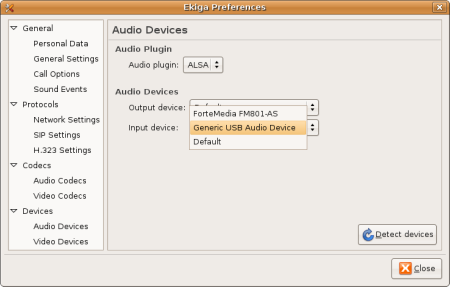
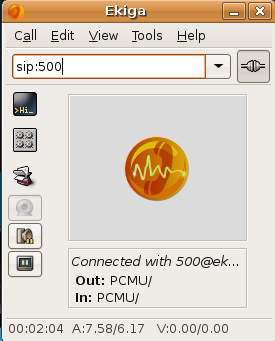
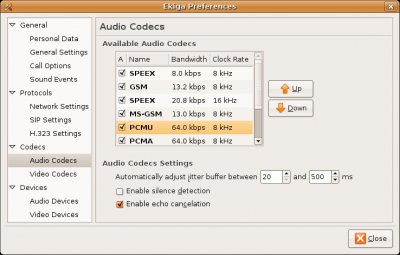
Hope that will help you to install Skype on your Linux operating system. Alternatively, If you’re a fan of open source software and open standards, then you might want to look into Ekiga (formerly GnomeMeeting), cheerio!

[tags]skype,voip,ubuntu,feisty fawn,linux,messenger[/tags]