
Twenty years ago I wrote WGAfakap.exe, a simple windows application that removes the Windows XP Genuine Advantage Tattoo.
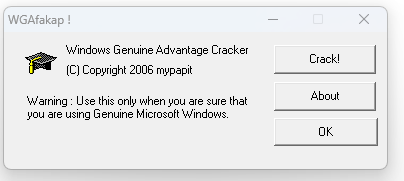
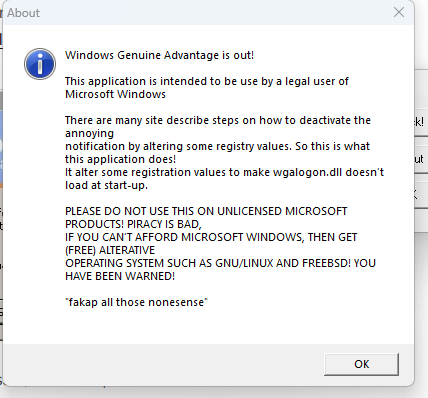
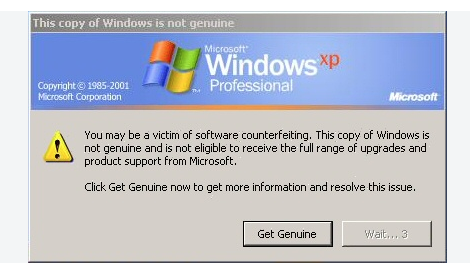
WGAfakap was widely used around the world to help individuals or companies who has purchased a legitimate Windows XP from being nagged by the notorious “You May Be A Victim Of Software Counterfeiting, Solve It Now! ” screen.
I used Microsoft Visual Studio 6 and libctiny and wcrt library to keep WGAfakap small. And the result was a very small (less than 8kb of executable!) https://blog.mypapit.net/2006/05/solution-to-libctiny-and-wcrt-lnk2001-unresolved-external-symbol-__chkstk.html
I was obsessed with optimization and efficiency because I was poor back then. Couldn’t afford a decent computer with a lot of storage space and speed. Thus, efficiency was everything to me.
Although there are attempts to supress it, WGAfakap was famous and it was distributed through message boards and was being used across the world.
With careful searching, archived message board threads explaining how to use WGAfakap can still be found. The most recent of these discussions date to 2010, four years after its initial development
Most WGAfakap users probably almost reached 40 years old now. Give a shout out if you’ve heard or ever used WGAfakap!


