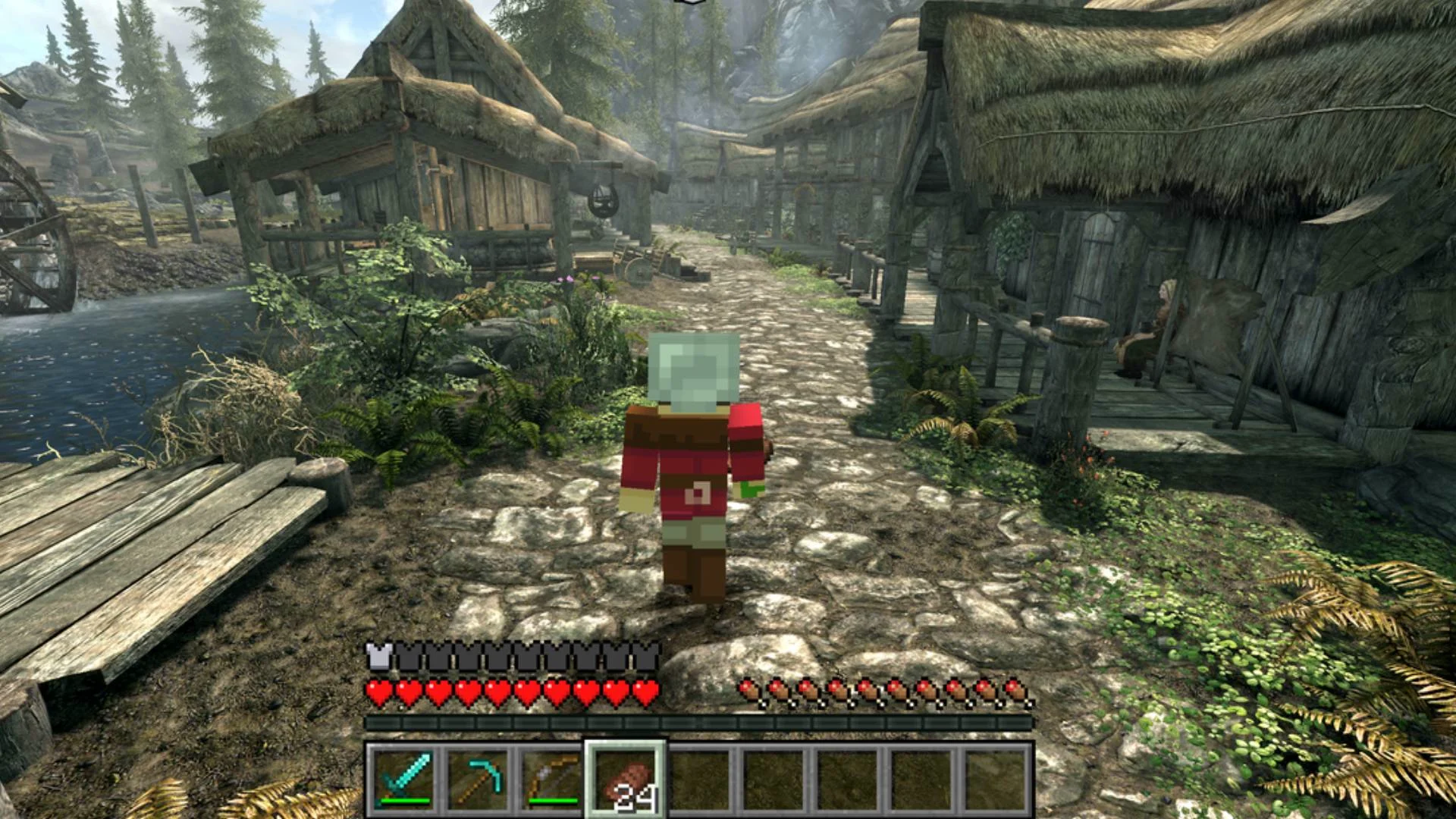
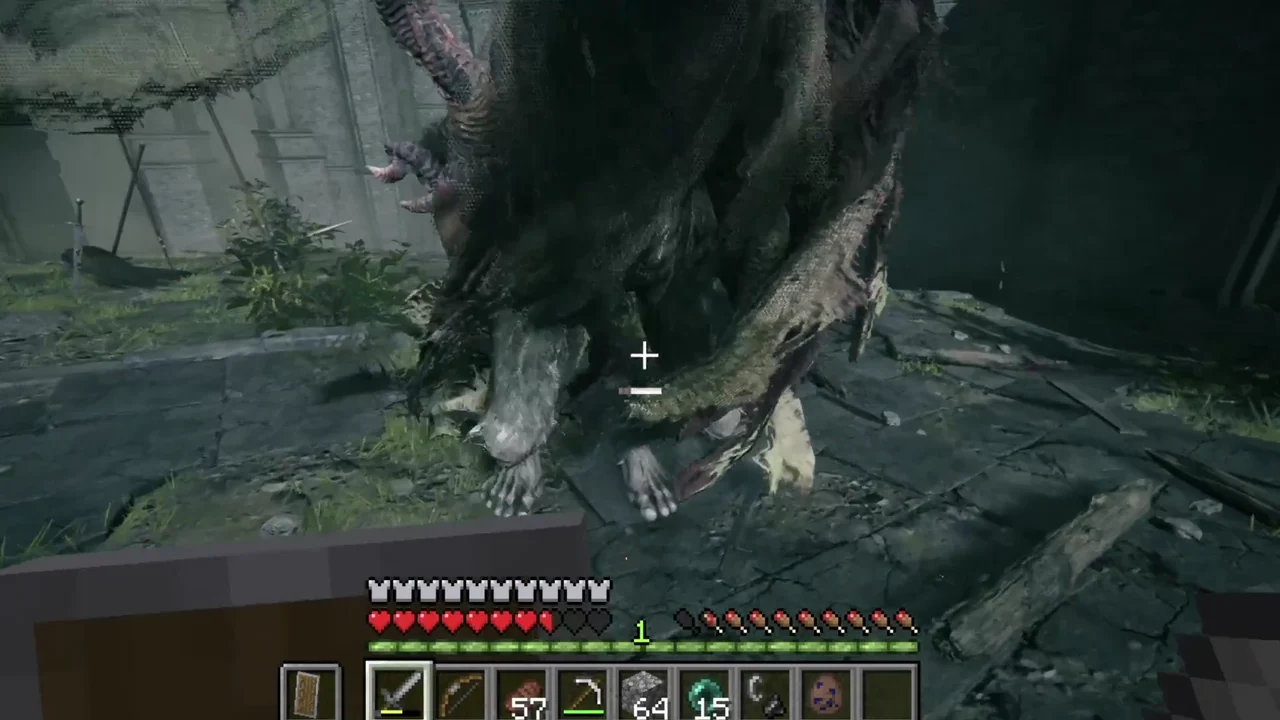
Melty is currently free for Windows. Choose a mashup and press Play. According to its website, the app downloads the mod, handles the required setup and starts the game. Multiplayer mashups also provide invite links for friends.
The AI part comes into creating your own mashup. Melty provides instructions for coding agents such as Claude Code or Codex. You describe your idea, and the agent works on building and publishing it.
You still need to own the required games. This looks interesting for players who enjoy experimenting with mods and unusual game combinations.
Old DOS games are already great, but let us be honest, MIDI music can sound very rough if it is played through the default Windows MIDI synthesizer. Some games still sound okay, but many of them lose a lot of character because the instruments sound thin, cheap, or just plain boring.
This is where SoundFonts come in.
A MIDI file does not actually contain recorded music like an MP3. It is more like a set of instructions. It tells the computer which notes to play, which instruments to use, how loud they are, and when they should start or stop. The final sound depends on the synthesizer and instrument bank used to play those instructions.
A SoundFont is basically an instrument bank, usually in .sf2 or .sf3 format. It gives the MIDI synthesizer better instrument samples to work with. So instead of your DOS game music sounding like basic Windows MIDI, it can sound fuller, clearer, and more dramatic.
For this setup, I used Shan SGM-Pro V40 SoundFont. It is based around the SGM-style General MIDI sound, which is popular among retro PC gaming users because it gives many DOS game soundtracks a bigger and more modern sound. More information about Shan SGM-Pro can be found at the VOGONS thread here:
DOSBox-X already supports MIDI configuration properly, and it can use FluidSynth to play MIDI through a SoundFont. This is cleaner than routing MIDI into another external program.
The basic idea is simple:
Put the SoundFont file somewhere permanent.
Tell DOSBox-X to use FluidSynth.
Point DOSBox-X to the .sf2 file.
Configure the old DOS game to use General MIDI, Roland Sound Canvas, or MPU-401, depending on what the game supports.
For my setup, I placed the SoundFont here:
/home/mypapit/midi/shan.sf2
You can use another folder if you want. Just make sure the path in the DOSBox-X config matches the actual file location.
DOSBox-X MIDI Configuration
# fluid.soundfont: Soundfont (.SF2 or .SF3) to use with Fluidsynth.
#                  One must be specified, for example GeneralUser_GS.sf2.

mpu401          = intelligent
mpubase         = 330
mididevice      = fluidsynth
midiconfig      =
samplerate      = 48000
mpuirq          = -1
mt32.romdir     =
mt32.model      = auto

fluid.driver    = pulseaudio
fluid.soundfont = "/home/mypapit/midi/shan.sf2"
fluid.reverb    = 20
fluid.chorus    = 16
Game Setup
After changing the DOSBox-X config, you still need to configure the DOS game itself.
In the game sound setup program, choose something like:
Music device: General MIDI
Port: 330
IRQ: 9 or default
Some games may show it as:
Roland MPU-401
Sound Canvas
General MIDI
For many DOS games from the 1990s, General MIDI is the correct choice. Examples include games like Doom, Duke Nukem 3D, Descent, Warcraft II, TIE Fighter, and many LucasArts titles.
Do not choose MT-32 unless the game soundtrack was actually made for MT-32. MT-32 and General MIDI are not the same thing. If you choose the wrong one, the music can sound strange, with incorrect instruments.
TIE-FIGHTER DEMO with SHAN SGM-PRO SoundFont
TIE Fighter is a good game to test this because its MIDI soundtrack benefits a lot from a stronger SoundFont. The music becomes more cinematic and less flat compared to the default Windows MIDI output.
Here is a YouTube video showing TIE Fighter using the Shan SGM-Pro SoundFont:
The difference is clear. The brass, strings, and percussion sound much heavier. It does not sound like original hardware, but that is not the goal here. The goal is to make old DOS MIDI music sound better, fuller, and more enjoyable on a modern machine.
Notes:
Keep the SoundFont file in a fixed folder. Do not put it in a temporary download folder because DOSBox-X will fail to load it if the file is moved.
Use a full path in the config file, especially on Windows.
Restart DOSBox-X after editing the config.
Make sure the game itself is configured for General MIDI or MPU-401 music output.
If there is no music, check the file path first. Most problems come from a wrong SoundFont path or a typo in the filename.
Guake is a fancy Quake-like terminal which lets you access it by using a hotkey (user-customizable). Unobtrusive, Guake slides down from the top of the screen, and can be used while running other desktop applications, providing you with a quick access to the console.
Guake is available from Debian, Ubuntu and Fedora repository or can be downloaded from Guake’s Official Website
Right now I’ve been playing Urban Terror (or UrT), it is a First Person Shooter (FPS) game similar to Counter-Strike. The game was developed using the open source Quake III Arena engine and can be played under GNU/Linux, Microsoft Windows and Mac OS X operating systems.
Good news to old time gamers, now you can play Dune 2 on Linux operating system natively (without dosbox or other emulator) with Dune Legacy project. For the uninitiated, (to my best knowledge), Dune 2 is the first RTS game for DOS (by Westwood, then acquired by EA Games) that spawn several other popular games in the genre such as C&C, Red Alert, Red Alert 2, etc.
Naturally you would need the original data files and maps to play Dune Legacy natively on Linux. Binaries for other operating systems (Windows, Mac OS X) are also available from the Dune Legacy Project website.