Configuring BSD as an average Home-user OS

Yup, you read that right, today i’ve finished configuring my FreeBSD 5.4-Releaseas an average home-user box.

Previously, I had only a minimal FreeBSD 4.6 (includes gcc) inside my pc to test out my apps before releasing to public, and I’ve no intention of using it seriously because I’m so used to GNU utils instead of BSD ones.

I’ve considered doing this as a challenge for myself, I’m getting bored of testing various GNU/Linux distro that i’ve decided to use FreeBSD seriously for a change.

Well, what would i do? Having installed a barebone FreeBSD system made me thinking, what should i do now?. Firstly, I jot down things that i like to do mostly with my pc, work from there.

That kind of thinking narrows down to coding with c, self-taught php-class, movie player (mpeg4,dvd capable), music player (mp3 player), cd-writing, p2p, and of course internet connection.

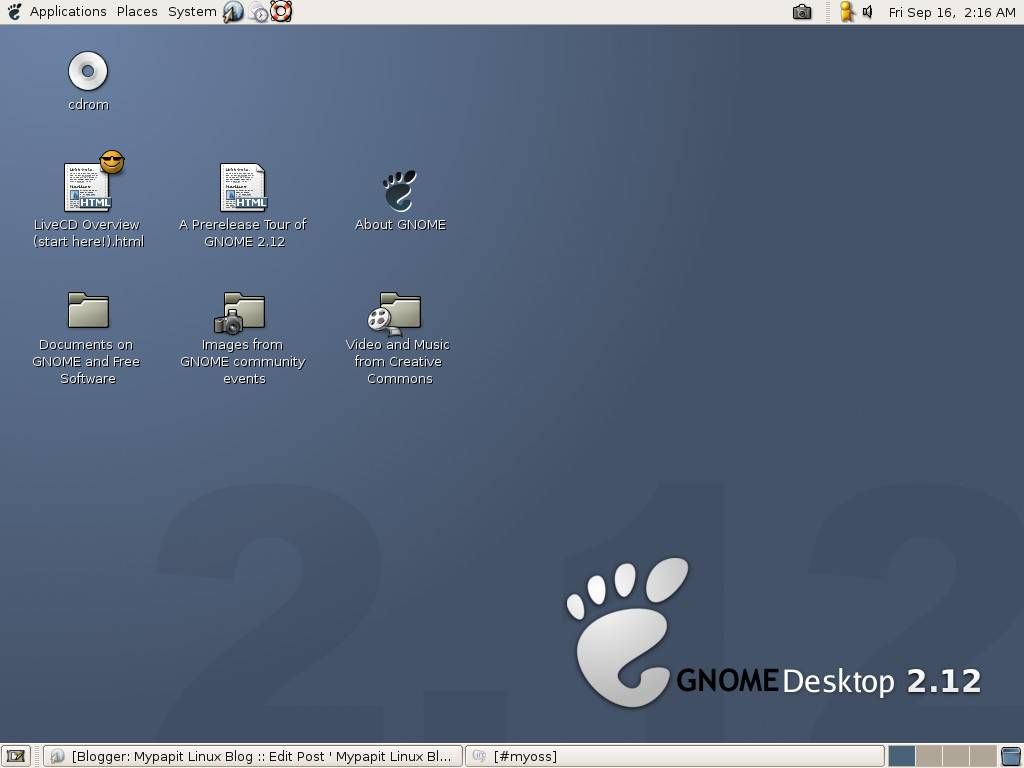
FreeBSD Xwindows environment setting change a bit from the last time i use it. Seems that now I need to configure xdm manually, which is not my area of expertise, Luckily the FreeBSD Handbook came in handy in these situation, although i had quite a bump at setting up my desired WM.

Next stop, was setting up my internet connection using PPPoE (that’s Streamyx broadband), which again left me clueless. I know that I can connect to the internet quickly by enabling dhcp-client, but hey, that’s not quite fun for me. Luckily, the “/etc/share/examples/” directory have the ppp.conf sample which I merrily configured my internet connection.

After i’ve settled up the internet connection, everything else is a piece of cake. I’ve surf the web for the Freebsd ports collection and install all things that i required there, again I only have minor hiccups here where I had to use “cvsup” to download things that i cant acquire from pkg_add command.

All in all, it was fun experience setting up FreeBSD box for my average home-user need. I cant wait to start using *BSD now for a change. ;)

StudioTraffic downfall?

I’ve stumbled upon my long-time irc contact today, whose also a StudioTraffic user. Suprisingly, he’s complaining in his blog about StudioTraffic poor quality of service and low-response time lately.

He also states in his blog that, if this trend continues, StudioTraffic might just be another Ponzie, and announce that he’s going to withdraw from the scheme, quite unbelievable!! I’m talking about a guy who advocates ST for so long and have almost a hundred of referral membership under him!!! Well, something really Bad ™ must have happened…

What about you? Do you have any positive opinion about StudioTraffic lately?

p/s: StudioTraffic is a surf-for-money program which requires you to leave your browser windows open while surfing the internet. You commision will be paid according to your money invested in the program.

References :
MyInvest.us

Redirect (301 Permanently) without using .htaccess

Want to redirect your website to another place but can’t create .htaccess file?

Well this might be a solution to you, if your webhost supports server site php scripting.

The codes below will tell web-client (including search bot) that your website have been Moved Permanently to a new location and redirects them to a new location

The PHP version :
header ('HTTP/1.1 301 Moved Permanently');
header ('Location: http://newdomain.com/');

The ASP version :
Response.Status="301 Moved Permanently"
Response.AddHeader "Location",\ "http://www.newdomain.com/"

What’s wrong with META Refesh tag? Well, firstly, it isn’t supported by all web-client (including bots). Secondly, the search engine will ignore the META Refresh tag and stops indexing your webpage.

By sending server response code 301 Moved Permanently, will inform that your website have been moved to another location and search bots will note that and index the new location instead. :)

p/s: This tip is useful in an event you can’t create a .htaccess file in your webhost.

Red Hat to funds patents for OSS developers

Red Hat has taken steps to prevent software patents from dragging open source into a mire of patent-infringement lawsuits, by funding developers to obtain patents.

Although completely different case, I couldn’t help but wonders if Malaysian government would offers aid to encourage developers to patent their invention?

My Computer’s Going Haywire

Argh…. My computer’s going haywire today for no apparent reason!! At first my GNU/Linux flashing me with error kernel messages and kernel oops, then my Windows 98, Windows XP and Freebsd!

I’ve seen the case where all operating system could go haywire at the same time, just a matter to confirm it.

I inserted my home made diagnostic cd which i carried around just in-case, and boot off a memory test program from http://www.memtest86.com.The diagnostic reveal a screenful of memory error only in 17% completing the second test.

Damn, my computer got bad memory, I need to get my data’s out to print it somewhere. So I use my home-brew KrazhBoX rescue Linux system, and boot the floppy base GNU/Linux system.

To get away with “bad memory” kernel oops i use this boot parameter :
boot: rescue mem=16M
To limit the RAM usage up to 16Megabytes only (the first bad memory block position reported by memtest86 was 97MB), but heck KrazhBoX could run with less memory than that.

I’ve copied all my data out using my USB Flash Drive just in time, and print out my works in another PC. All went well today when I’ve manage to replace the bad memory stick. :)